

Quality Sleep is Critical
Teens are Not Getting Enough
The Solution is Not Letting Them Stay Up Later!
LaunchPad Bedtime Sleep Mode Can Help
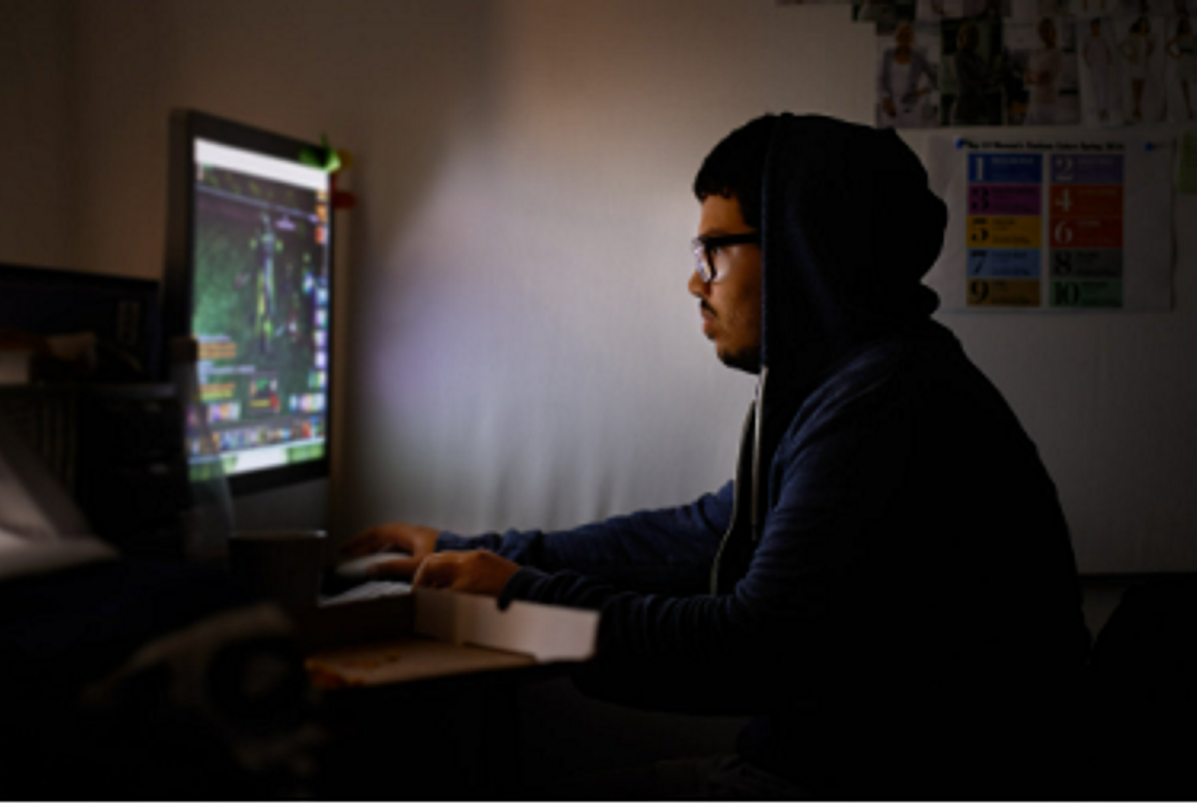
As a parent you don’t need researchers to tell you your child is not getting enough sleep each school night. You are not alone, this is an epidemic. And one movement to solve this problem is misguided. Legislators in certain states believe that the adolescent brain, while needing the same amount of sleep recommended by health professionals for decades, now needs to be able to wake up later to get more sleep rather than go to bed earlier. And some are claiming screens are not to blame!
Having worked with teens on this struggle for decades, Sentinel Computers cofounder, Dr. Kenneth Woog says,
“The problem is that teens want to stay up later because they have access to devices that can entertain them. Parents are doing the same but they need less sleep. Young people claim to need their screen devices to both help get to sleep and wake up in the morning. The standard, low cost alarm clock will wake them up and has the side benefit of not entertaining them with social media, podcasts, video watching and web surfing. But helping get to sleep is another story. That is why the LaunchPad has the Bedtime Sleep mode feature.”
How it Works:
Bedtime Sleep mode provide up to two (per day, per system) 30 minute (maximum) audio sessions from preprogramed sources that parents can directly control. The audio sources can be set by the parents or parents can allow users to choose their own.
When enabled/configured, Bedtime Sleep mode is accessible at any time. The user simply presses the ”B” key on the keyboard to select the mode, enters the password to log in.
The audio source is either mp3 files placed in a Music/Sleep folder on the system or selected from a Focus+Sleep web app from Meditation Mode (from Study Desktop).
While there are many free sites, subscription sites like Brain.Fm are also available. Besides sites with relaxing music and sounds, sites with prayer and bedtime stories are also available. Parents can identify their own approved sites and make them available as well.
The display monitor output is shut off (mp3 files) or shuts off automatically (Web Apps). During this mode the user cannot go to other websites or play files not in the Sleep directory. The LaunchPad front panel display is dimmed.
The system automatically shuts down after either all the files have played or 30 minutes has elapsed whichever comes first.
Audio can be provided to the audio jack, USB Audio adapter or Bluetooth when the system is located in the child’s bedroom. The optional Long Range Bluetooth Adapter can send audio remotely from a room elsewhere in the home.
After two sessions per day, no new Bedtime Sleep logins are allowed until logging out of another mode at least 12 hours later.